
Rent a Cloud Phone —
Get a Real Android Smartphone
Choose a physical Android phone in an available country and control it remotely from your browser or the DroidDesk app. The phone stays at its actual location and uses a mobile network or residential Wi-Fi connection.
Inside DroidDesk
Control Your Rented Android Phone Remotely
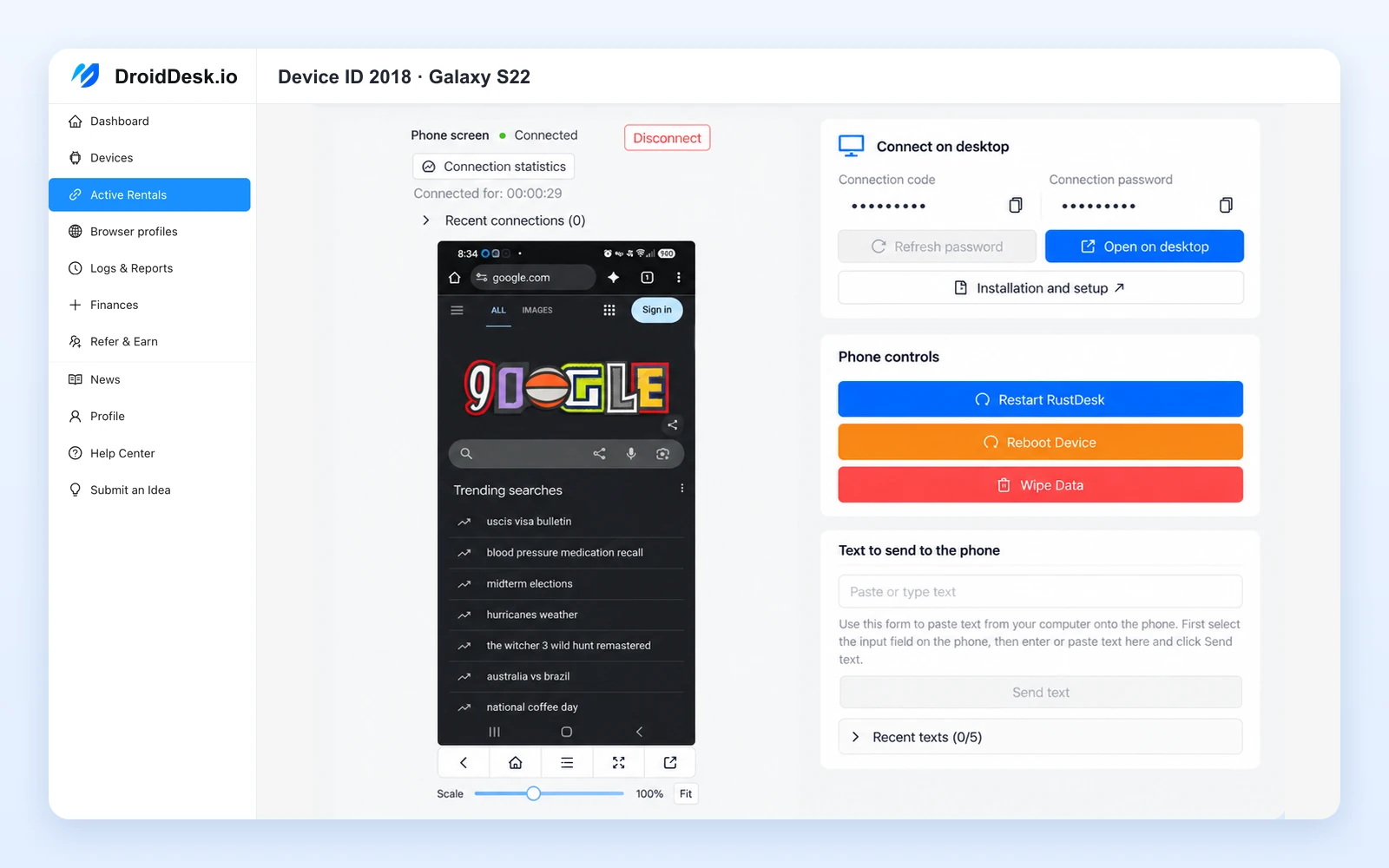
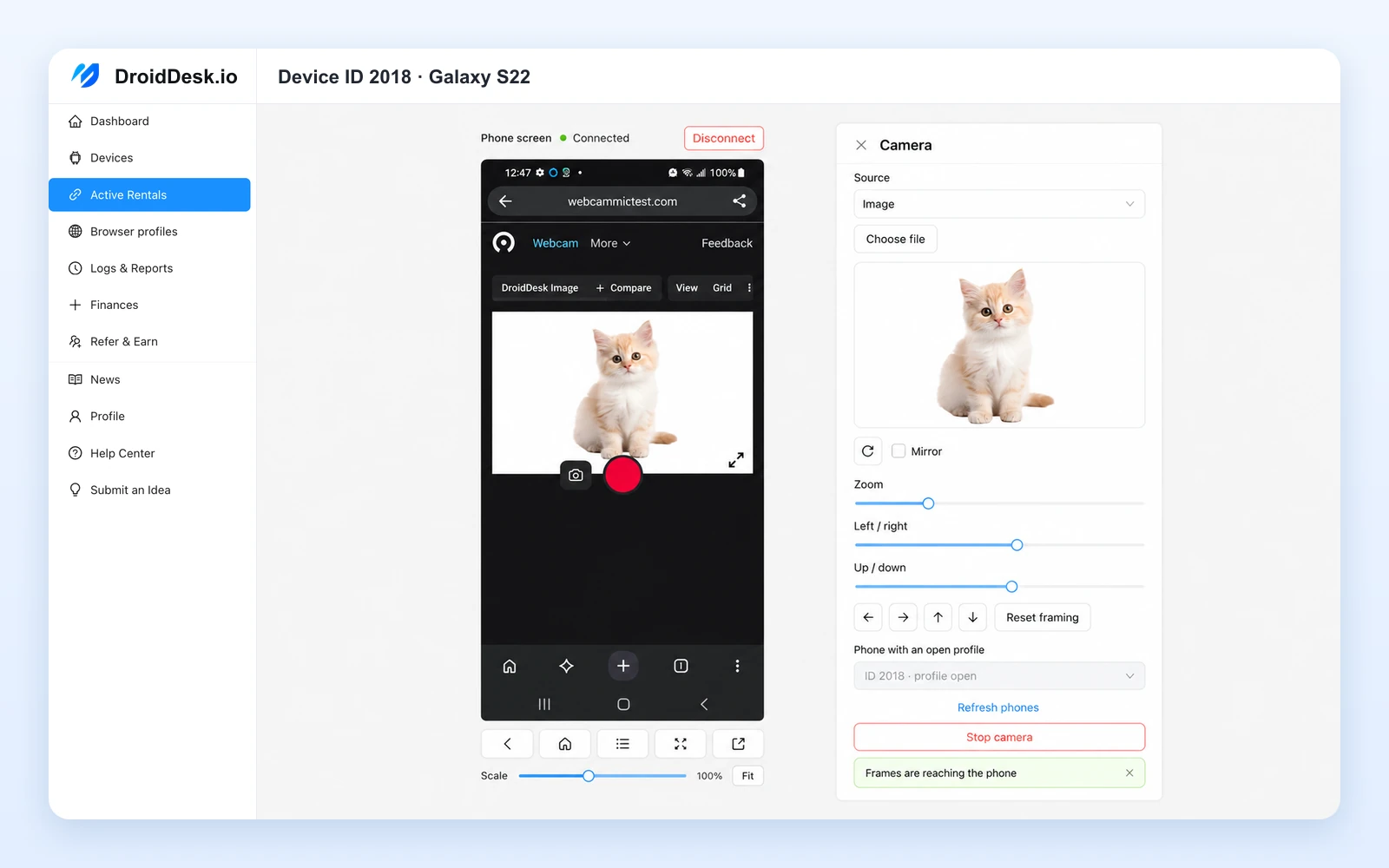
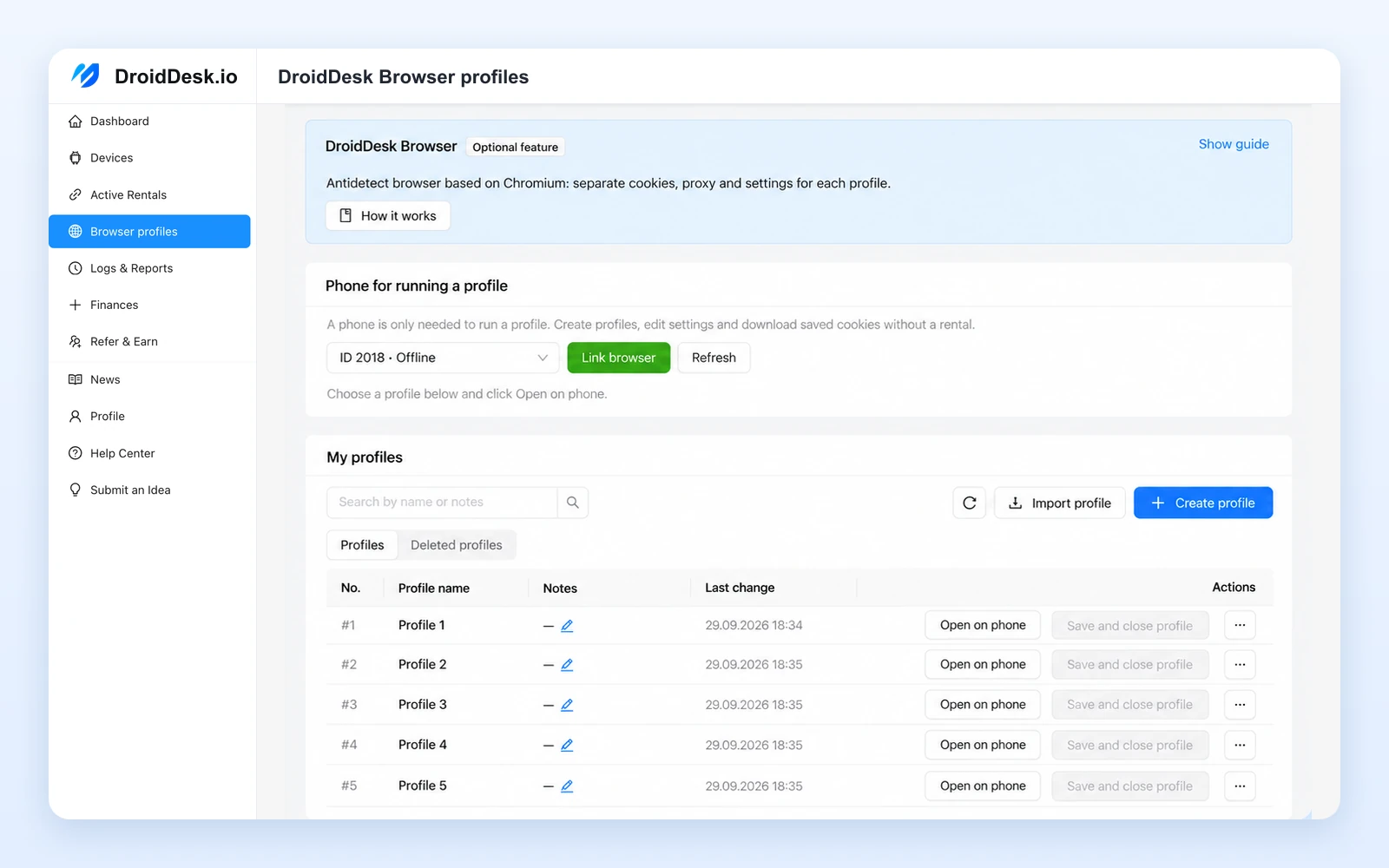
See how to select a device, control its screen, and configure supported tools from your dashboard.
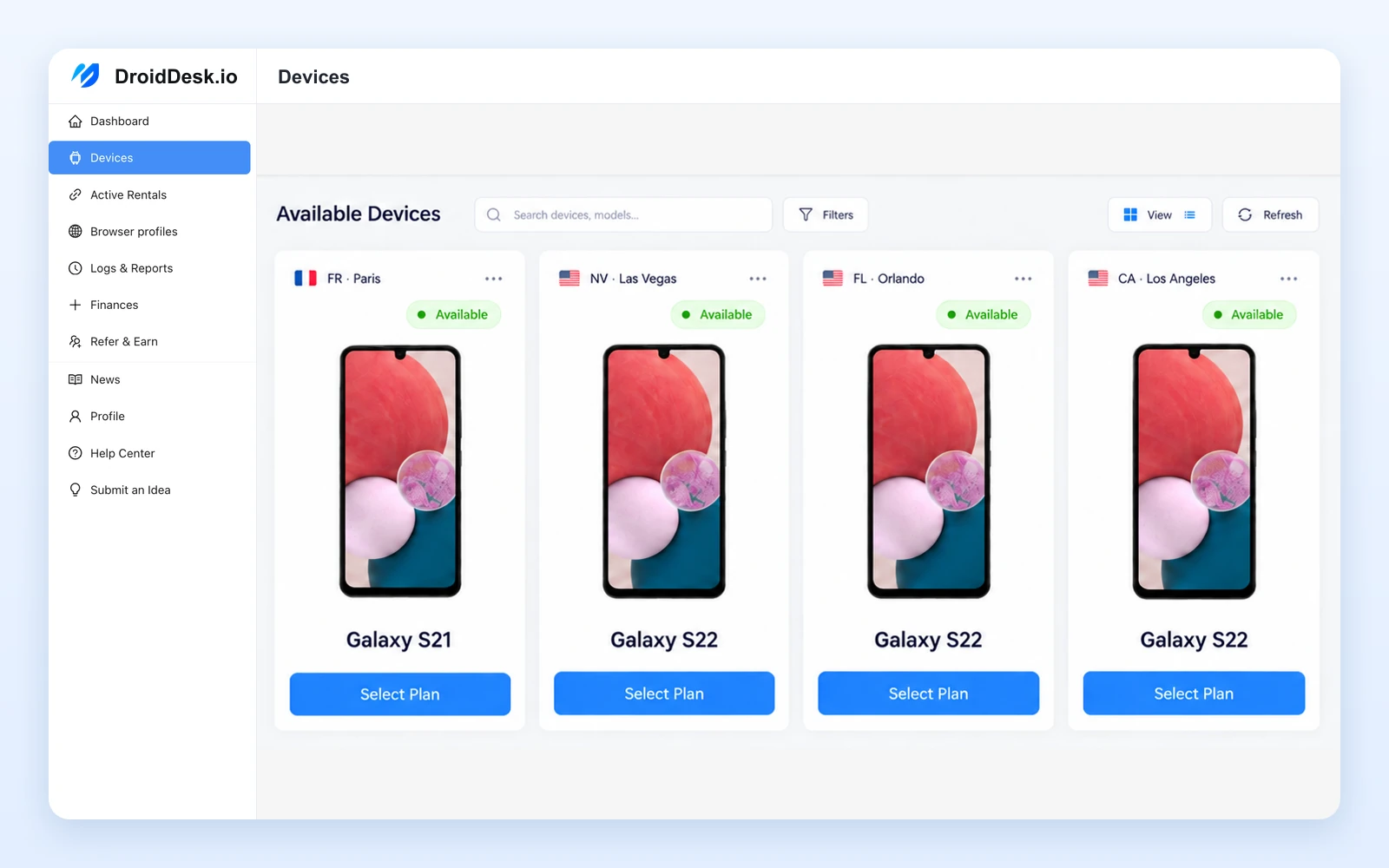
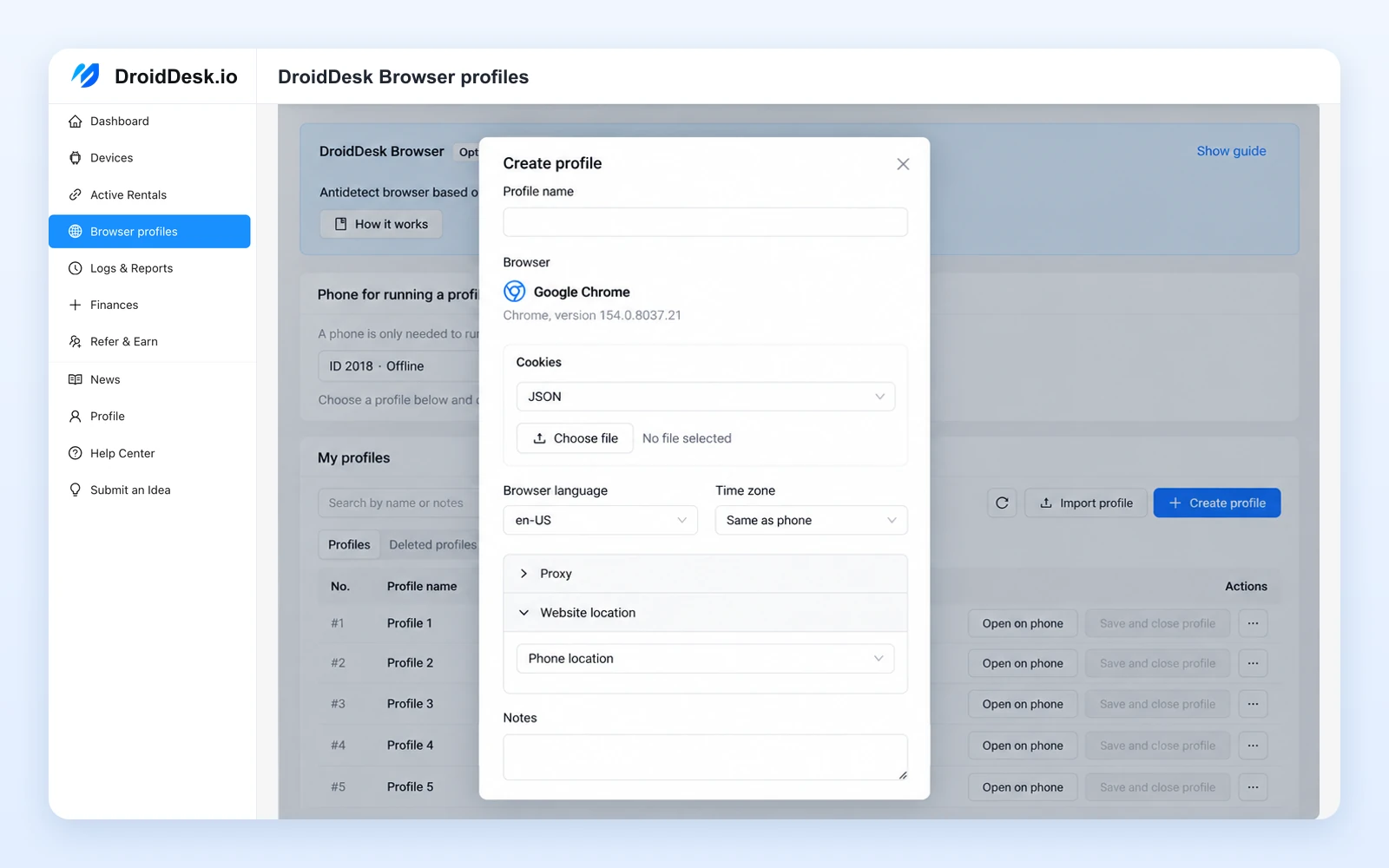
Browse Available Android Phones
Compare real devices and choose a model, location, connection, and rental plan.
Global coverage
Rent an Android Phone in Your Chosen Location
Browse physical smartphones hosted in different countries and cities. Choose an available device where you need it, then access it remotely from your own location.
United StatesUnited KingdomGermanyFranceSpainItalyNetherlandsPolandPortugalSwedenCzech RepublicRomaniaTurkeyUkraineCanadaMexicoBrazilArgentinaColombiaIndiaIndonesiaPhilippinesVietnamThailandMalaysiaJapanSouth KoreaAustraliaNew ZealandSouth AfricaNigeriaEgyptUnited Arab Emirates
Countries shown reflect the map's coverage. Check the device catalog for current availability.
Physically Located in the Listed Region
The listed location refers to where the handset is physically hosted.
Mobile Networks or Residential Wi-Fi
Choose an available LTE, 5G, or home Wi-Fi connection. The network IP depends on the connection type.
Real Hardware and Native GPS
Use a physical handset with its own hardware and native location capabilities. Check the listing for supported features.
Already using DroidDesk?
Share your honest experience on Trustpilot — it takes a minute.
How it works
How to Rent an Android Phone Online
Choose an available smartphone, select your rental period, and open a remote session.
Choose a Phone
Compare devices by model, physical location, and connection type.
Select a Rental Plan
Check the rental period and included features. Browser access, app installation, and settings depend on the plan.
Connect and Control the Device
Open the phone in your browser or the DroidDesk app. View its screen, enter text, and use the functions included in your plan.
Real device cloud
What Is a DroidDesk Cloud Phone?
Rent a physical Android phone and control it online. Its screen appears on your computer or phone.
- Your deviceOpen the remote interface
- DroidDeskChoose a phone and plan
- Real Android phoneUse it at its physical location
Control the phone remotely. The handset stays with its host.
Rental plans
Android Phone Rental by the Hour, Day, Week, or Month
Choose how long you need the phone. Plans start at $5 per device.
1 hour
from$5
Browser only
Plan details →3 hours
from$7
Browser only
Plan details →1 day
from$15
Apps & Google Play
Plan details →1 week
from$60
APK, eSIM & settings
Plan details →1 month
from$180
APK, eSIM & settings
Plan details →Features vary by plan and device. See all plans for access levels, add-ons, and eSIM requirements.
Why physical devices
Why Rent a Real Android Phone Instead of an Emulator?
Your session runs on a physical Android phone. It uses the internet connection at the phone’s location.
Physical Android Hardware
A real handset with its own processor, hardware identifiers, battery, and supported sensors.
Local Mobile or Residential Internet
Select a phone connected through a mobile carrier or home Wi-Fi. Check the device listing for its network.
Android Apps on a Real Device
Run supported apps on physical Android hardware. Installation options depend on your rental plan.
Remote Access to Device Settings
Use the settings and controls included in your plan. eSIM requires a compatible phone.
Hardware Hosted for You
Access a phone that is already hosted and connected, without buying, shipping, or maintaining it.
A Location You Can Choose
Select an available device physically hosted in the country or city your project needs.
How Real Device Rental Compares
Compare the device type and access you need. Open a guide for a closer look at each option.Compare device types, apps, and network access.
| Option | Runs on | Apps | Network |
|---|---|---|---|
| DroidDesk real phones | Physical Android phonePhysical Android | Android appsAccess varies by planVaries by plan | Local mobile data or home Wi-FiMobile data / home Wi-Fi |
| Virtual cloud phonesGeeLark·VMOS | Hosted Android | App support variesVaries by provider | Depends on providerProvider-dependent |
| Android emulators | PC or server softwarePC / server | Compatibility variesCompatibility varies | Host connectionHost network |
| Antidetect browsersMultilogin·Dolphin Anty | Browser profiles | Web apps only | Direct or Direct / proxy connectionproxy |
Features depend on the specific product and plan. eSIM on DroidDesk requires a compatible phone and an eligible plan.
Multiple devices, one project
Rent a Phone Farm of Real Android Devices
Need several smartphones for the same project? Rent multiple physical Android devices through DroidDesk instead of buying and maintaining your own phone farm.
Choose Devices for Your Android Phone Farm
Multiple Physical Phones
Select individual devices for app testing, mobile operations, or separate project environments.
Different Models and Locations
Compare available handsets and regions when your task needs more than one device or local network.
Rental Periods That Fit Your Project
Use shorter rentals for temporary tasks, or weekly and monthly plans for longer projects. Contact support about multiple-device requirements.
Use cases
What Can You Use a Rented Android Phone For?
Use remote physical smartphones for Android apps, real device behavior, or access from a particular location. Choose a device and plan that support your workflow.
Compare your options
Compare Real Android Phone Rental with Virtual Phones and Browser Tools
DroidDesk gives you remote access to a physical smartphone. Compare where Android runs, what you can control, and the hardware and network features that fit your task.
For phone owners
Have a Spare Android Phone?
You can also apply to rent out a compatible spare phone. Check the device requirements and hosting terms on our page for phone owners.
Resources
Android Phone Rental Guides and Setup Instructions
Find instructions for your first rental, remote access, app installation, network settings, and supported eSIM activation.
Start Your First Rental
Install Apps and Configure Your Device
Understand Networks and Location
FAQ
Questions About Cloud Phone and Android Device Rental
Yes. Your session runs on a physical Android smartphone hosted at its listed location. You view and control it remotely over the internet.
Yes. Choose from the models and locations available in the device catalog. Availability can change.
Access it through your browser or the DroidDesk app. View its screen and interact with the functions included in your plan.
Plans start at $5 for one hour of browser access. Three-hour, daily, weekly, and monthly options are also available. Check the selected device and plan for the final price.
This depends on the plan. The daily plan includes Google Play installation. Weekly and monthly plans include manual APK installation; Full Access add-ons are available on selected shorter plans.
No. Connection types and eSIM compatibility vary by device. Check whether the phone uses Wi-Fi, LTE, or 5G and supports the feature you need.
Yes. Rent multiple available devices for your project. Weekly and monthly plans cover longer projects; contact support for specific multi-device requirements.
No. It stays at its hosted location. Your rental provides remote access to the device.
Ready when you are
Choose a Real Android Phone and Start Your Rental
Browse available devices, compare locations and connections, and select the rental plan for your task.